Buy Google Play gift card online
Buy a Google Play gift card online. Select the amount, complete your payment, and instantly receive the gift card code via email.
Select country
Google Play gift cards are currently not available in United States.
#protip
Redeeming with a VPN may violate Google's terms and conditions. If flagged, Google may request additional verification, and Cryptorefills won't be able to issue a refund.
What is a Google Play gift card?
A Google Play gift card is a prepaid card that adds credit to your Google account. Use it to buy apps, games, movies, books, and in-app purchases across Android devices. Available in multiple denominations, it's the perfect way to shop on Google Play without a credit card.
How to buy Google Play gift cards online
Koomalooma makes it easy to buy a Google Play gift card online in just a few steps.
How to redeem your Google Play gift card
Add the balance to your Google account in three steps
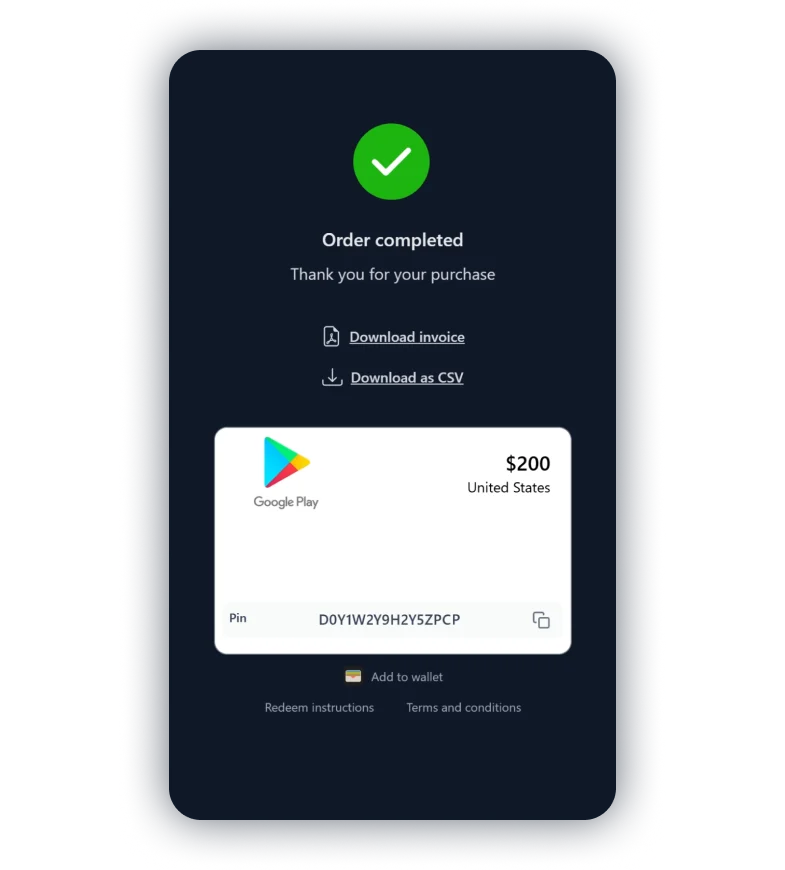
Claim and activate your gift card
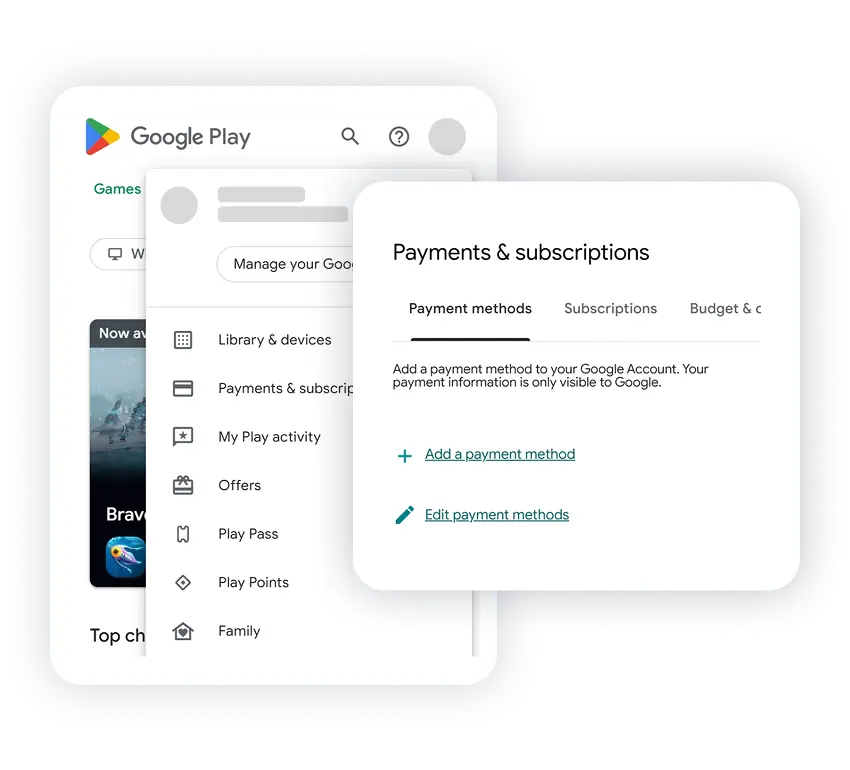
Open Google Play and go to payments
Log in and go to the redeem page.
Or open the Play Store app, tap your profile, select 'Payment & subscriptions', and tap 'Redeem gift code'.
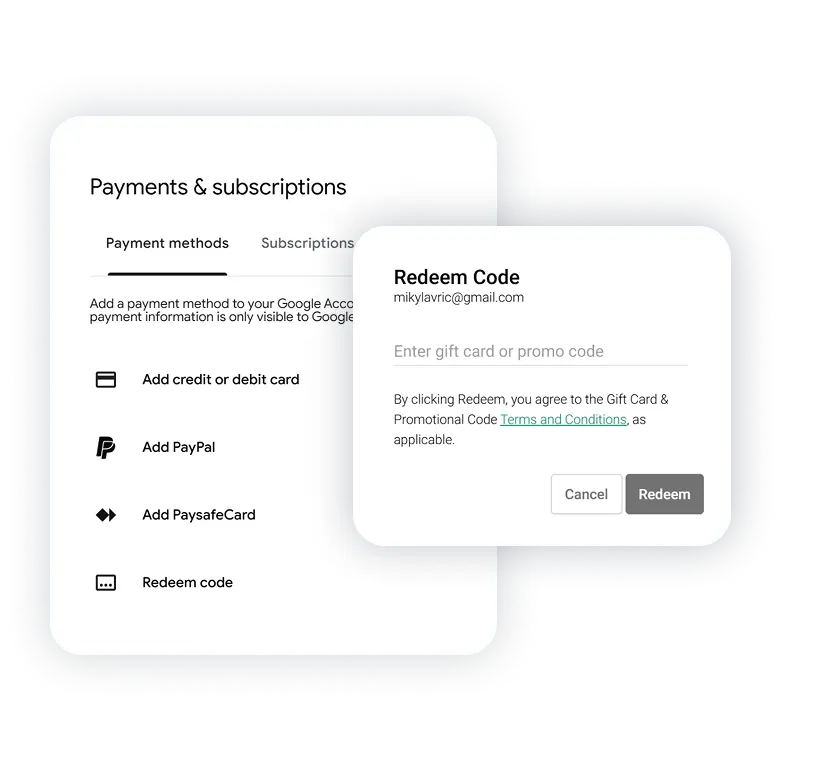
Paste your code and tap Redeem
Paste your gift card code and tap Redeem. The balance is added to your Google account instantly.
Via the app, tap 'Redeem gift code', enter the code, and tap Redeem.