How to redeem a Google Play gift card and check your balance

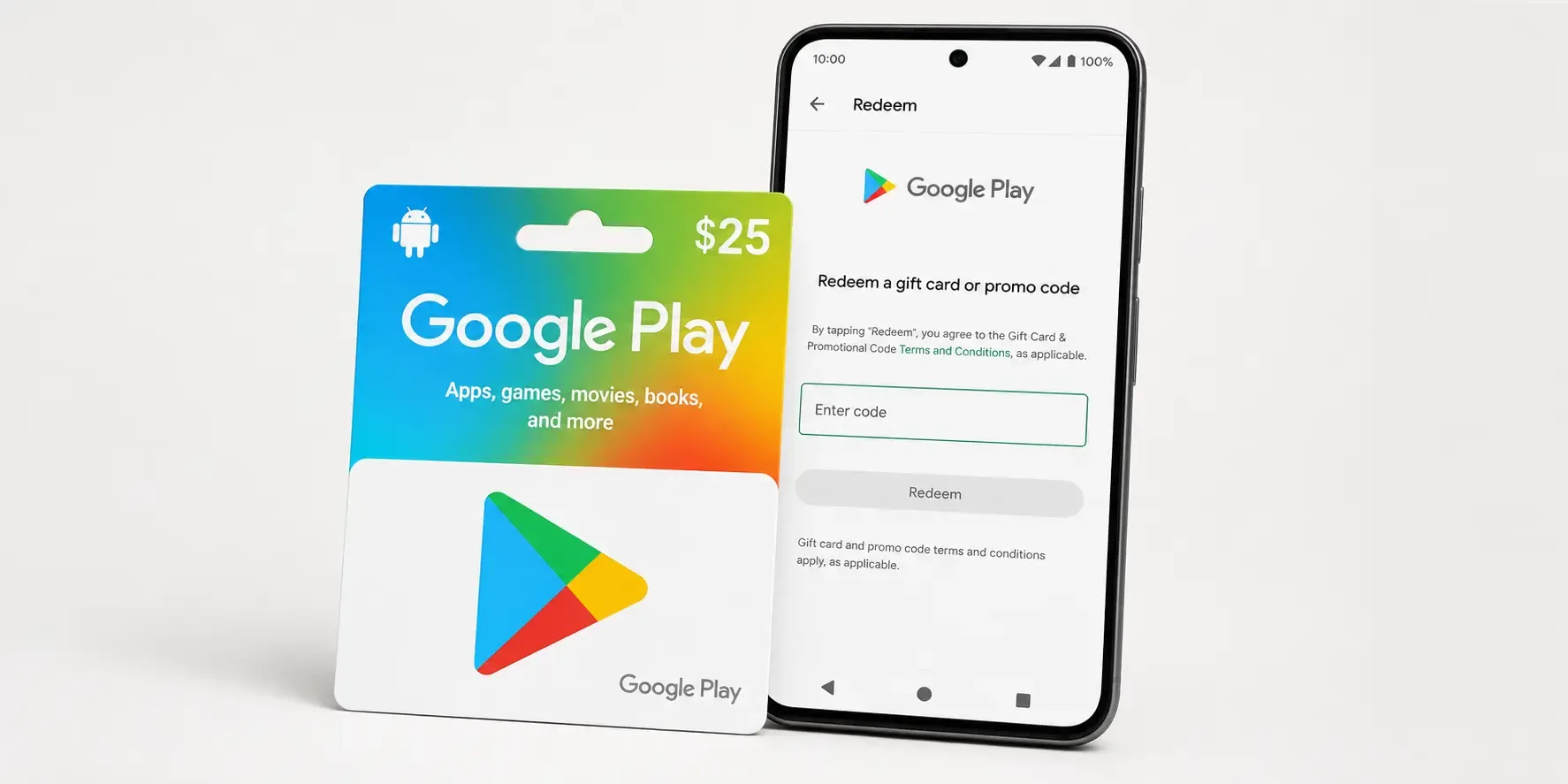
A Google Play gift card is one of the easiest ways to add credit to your account for apps, games, in-app purchases, films, books and Google Play Pass, with no saved card needed. Here's how to redeem a Google Play code, check your balance afterwards and where to buy a Google Play gift card online.
How to redeem a Google Play gift card code
You can redeem a Google Play code from your phone, tablet, or a web browser. The balance is added instantly and stays on your account until you spend it.
- Open the Google Play Store app, or go to play.google.com/redeem in a browser.
- Tap your profile icon in the top-right corner, then select Payments & subscriptions → Redeem gift code.
- Enter the code exactly as it appears on your card or in your email, then tap Redeem.
- Confirm, and the amount is added to your Google Play balance straight away.
Make sure you are signed in to the correct Google account before you redeem. A code can only be redeemed once, and it is tied to the account that first uses it.
How to check your Google Play balance
Once a code is redeemed, your credit sits in your Google Play balance and is used automatically the next time you buy something. To check how much you have:
- Open the Google Play Store app.
- Tap your profile icon, then Payments & subscriptions → Payment methods.
- Your current Google Play balance is shown at the top of the list.
Your balance is set in the currency of the country your account is registered in, so a code has to match that same country to redeem successfully.
What you can buy with Google Play credit
Google Play credit works across almost everything in the store: paid apps and games, in-app purchases and game currency, films and TV rentals, books, and subscriptions such as YouTube Premium or Google Play Pass. It is a popular gift precisely because the recipient chooses what to spend it on.
Where to buy a Google Play gift card online
You can buy a Google Play gift card online at Koomalooma and receive the code by email, ready to redeem in minutes. Choose the amount you want, pay with one of the multiple payment options available at checkout, and the code is delivered digitally. No waiting for the post, and easy to send to someone else as a gift.
Common questions
My Google Play code won't redeem. Check that you typed it correctly, that you are signed in to the right account, and that the card's country matches your account's country. Codes bought for one country cannot be redeemed on an account registered in another.
Does Google Play credit expire? In most regions Google Play balance does not expire, but it is always worth checking the terms for your country.
Can I use it for a subscription? Yes. Your balance is applied automatically to eligible subscriptions billed through Google Play.
Ready to top up? Buy a Google Play gift card on Koomalooma and get your code delivered instantly.