How to redeem a Nintendo eShop card and check your balance

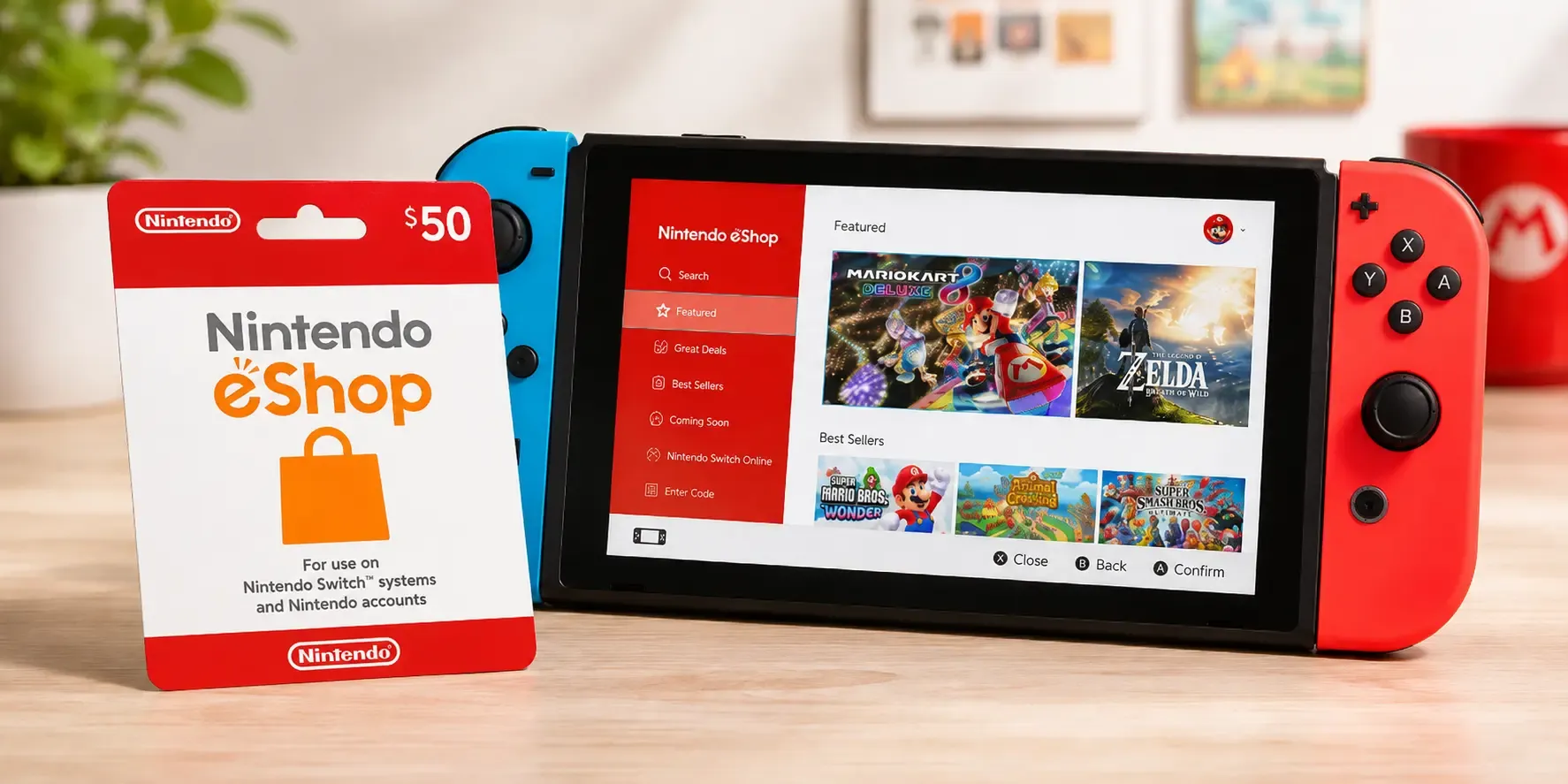
A Nintendo eShop card adds funds to your Nintendo Account so you can buy games, DLC and add-ons from the Nintendo Switch eShop, no card details needed. Here's how to redeem an eShop code, check your balance and where to buy one online.
How to redeem a Nintendo eShop card on your Switch
The quickest way to redeem is directly on your console:
- From the Switch home screen, select the Nintendo eShop icon.
- Choose the account you want to add funds to.
- Select Redeem Code from the menu on the left.
- Enter the 16-character download code and select Redeem. The funds are added to your account balance instantly.
You can also redeem online: sign in at the Nintendo website, go to your account's Redeem a code section, and enter the code there. Nintendo eShop cards are region-locked, so the card must match the country of your Nintendo Account.
How to check your Nintendo eShop balance
To see how much credit you have:
- Open the Nintendo eShop on your Switch.
- Select your profile icon in the top-right corner.
- Your current Nintendo eShop balance (your Nintendo Account funds) is displayed at the top.
Your balance is applied automatically the next time you buy a game or add-on, and any remaining funds stay on your account for future purchases.
What you can buy with Nintendo eShop funds
Your eShop balance covers full-game downloads, DLC and expansion passes, pre-orders, and in-game currency for supported titles. It's a favourite gift for Switch owners because they get to pick the games themselves.
Where to buy a Nintendo eShop card online
You can buy a Nintendo eShop card online at Koomalooma and receive the code by email within minutes. Choose your amount, pay with one of the multiple payment options at checkout, and the digital code arrives ready to redeem, great for topping up your own account or sending to a fellow gamer.
Common questions
My eShop code won't work. Check for typos, make sure the card's region matches your Nintendo Account, and confirm the code hasn't already been redeemed.
Do eShop funds expire? Nintendo Account funds from eShop cards do not expire, so you can hold the balance until you're ready to buy.
Ready to play? Buy a Nintendo eShop card on Koomalooma and get your code delivered instantly.