Where to buy Steam gift cards online (redeem, balance and fixes)

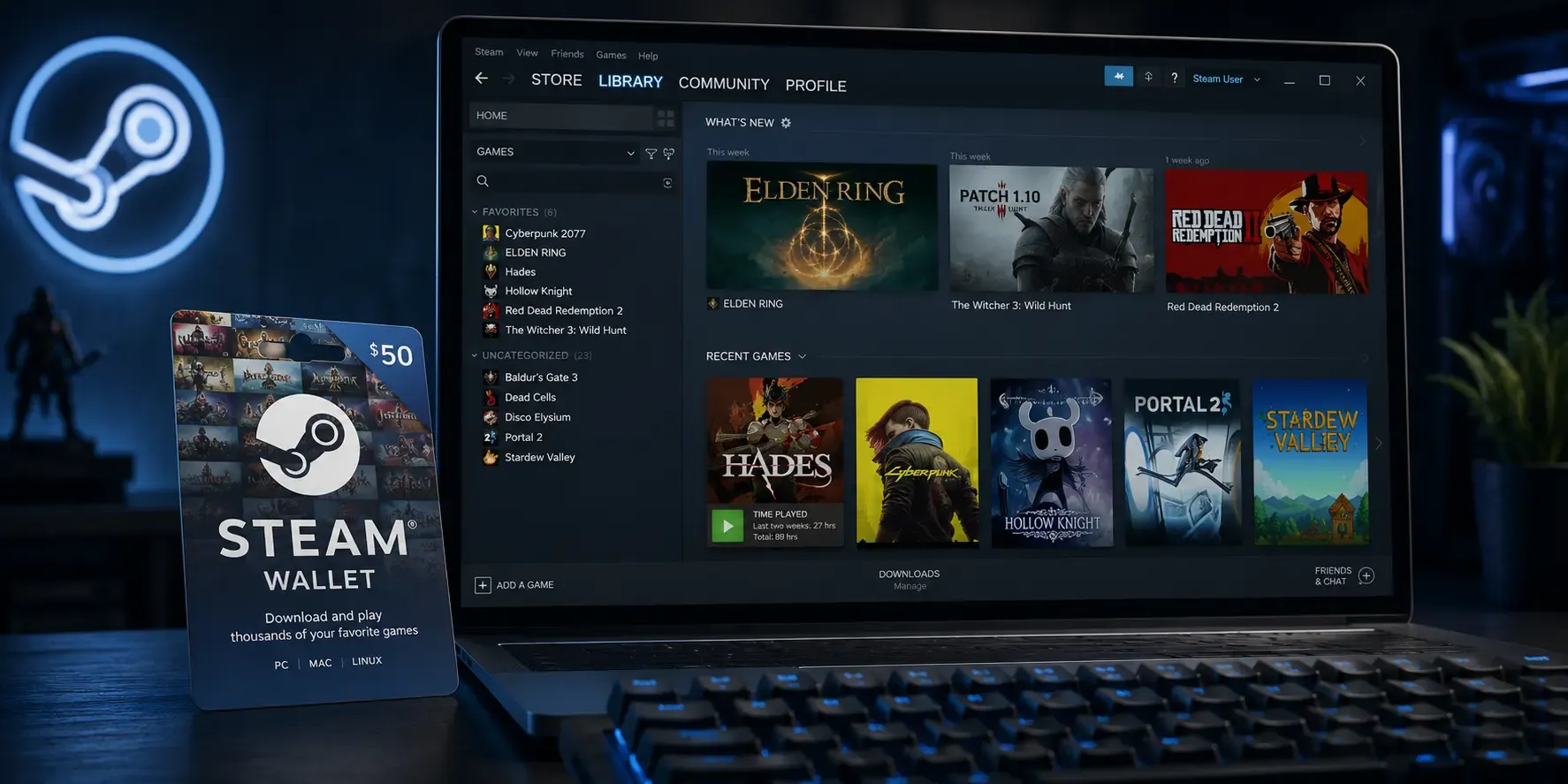
A Steam gift card (or Steam Wallet code) is the simplest way to add funds to a Steam account for games, downloadable content, in-game items and software, no bank card required. Here's where to buy one online, how to redeem it, how to check your balance, and what to do if a code won't work.
Where to buy a Steam gift card online
You can buy a Steam gift card online at Koomalooma and get the Steam Wallet code delivered by email within minutes. Pick the amount you need, pay using one of the multiple payment options at checkout, and the digital code arrives ready to redeem, convenient for topping up your own account or sending as a gift.
How to redeem a Steam gift card
Redeeming a Steam Wallet code adds the value to your account balance instantly:
- Open the Steam app or the desktop client and sign in.
- Click your account name in the top-right, then choose Account details.
- Select Add funds to your Steam Wallet, then Redeem a Steam Wallet Code.
- Enter the code and confirm. The funds appear in your Steam Wallet straight away.
Steam Wallet codes are region-specific, so buy a code that matches the country your Steam account is registered in.
How to check your Steam Wallet balance
Your Steam Wallet balance is shown in the top-right corner of the Steam client, next to your account name. You can also see it under Account details. Your balance is applied automatically at checkout the next time you buy a game or item.
How to gift a game on Steam
Prefer to send a specific game rather than credit? Steam lets you buy a game directly for a friend:
- Add the game to your cart, then choose Purchase as a gift.
- Select the friend you want to send it to from your Steam friends list.
- Add an optional message and choose when to deliver it.
Your friend receives the gift in their inventory and can accept it to add the game to their library. A Steam Wallet code is the more flexible option, though, because it lets the recipient choose exactly what they want.
Steam gift card not working? Try this
If your Steam code won't redeem, check the following before contacting support:
- Typos: re-enter the code carefully. The letter O and the number 0 are easy to mix up.
- Region mismatch: the code must match the country your Steam account is set to.
- Already redeemed: each code works only once. If you bought it as a gift, confirm no one has already used it.
- Account limits: a brand-new account may need an initial purchase before Wallet codes can be added.
Ready to top up? Buy a Steam gift card on Koomalooma and get your code delivered instantly.